
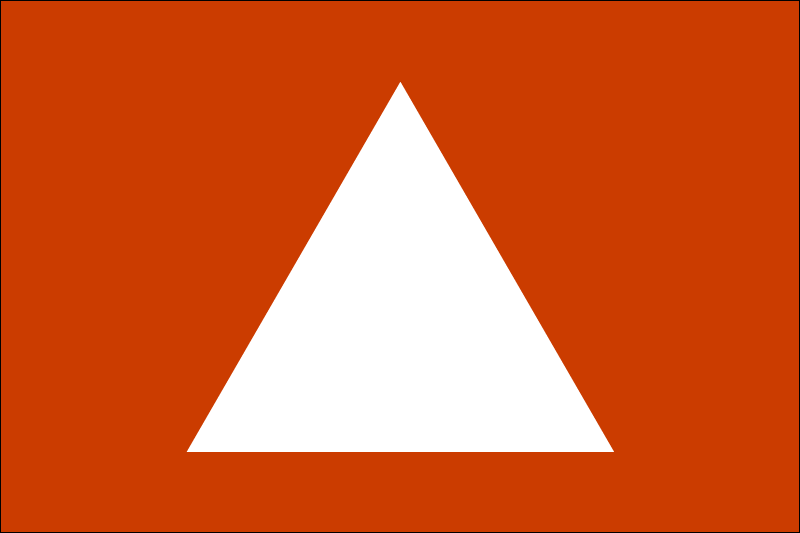
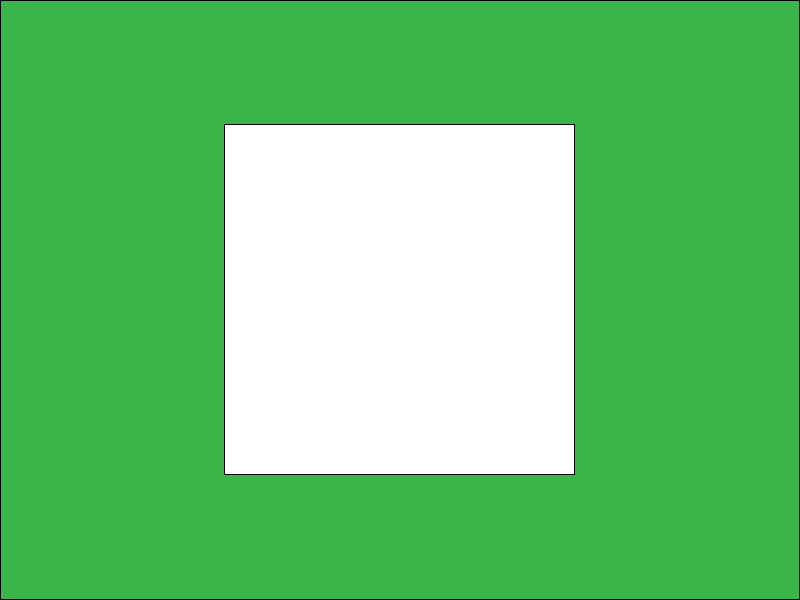

Here we have four images, all 800px width, with different aspect ratios (width to height ratio or fraction) and each containing a shape (16:9 circle, 3:2 equilateral triangle, 4:3 square, 1:1 regular pentagon).
If we want to have a row of images, we can set them all up with the same height (height: 120px;) and allow widths to adjust according to aspect ratio of the original:
If we want the image to have the same width and the same height, we may be tempted to set both in the CSS, but this will distort the images unless the aspect ratio set in the CSS match the original image aspect ratio. Don't do this!
CSS aspect ratio set to 1:1
CSS aspect ratio set to 2:1
If we want the image to have the same width and the same height, but not distort the image, we can use object-fit: cover. Note that in some cases this will result in a cropped image.
CSS aspect ratio set is 1:1
CSS aspect ratio set is 2:1 with object-fit