Session 12: JavaScript Examples; Web CMS
Harvard Extension School
Spring 2021
Course Web Site: https://cscie12.dce.harvard.edu/
Topics
- Pancake Menu
- Form Price Calculation
- Javascript Helping with Navigation
- Elements of User Experience - Skeleton
- Version Control
- Web Content Management Systems
Presentation contains 22 slides





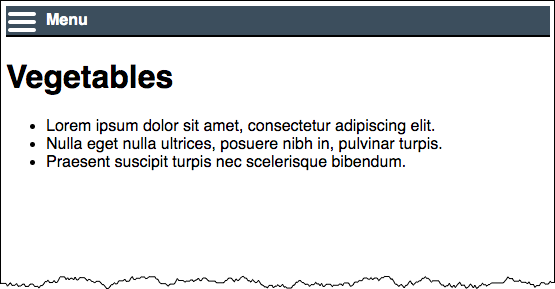
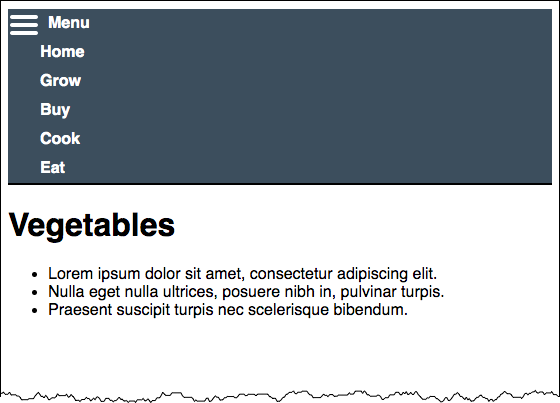
Pancake Menu
Mobile Pancake/Hamburger Menus
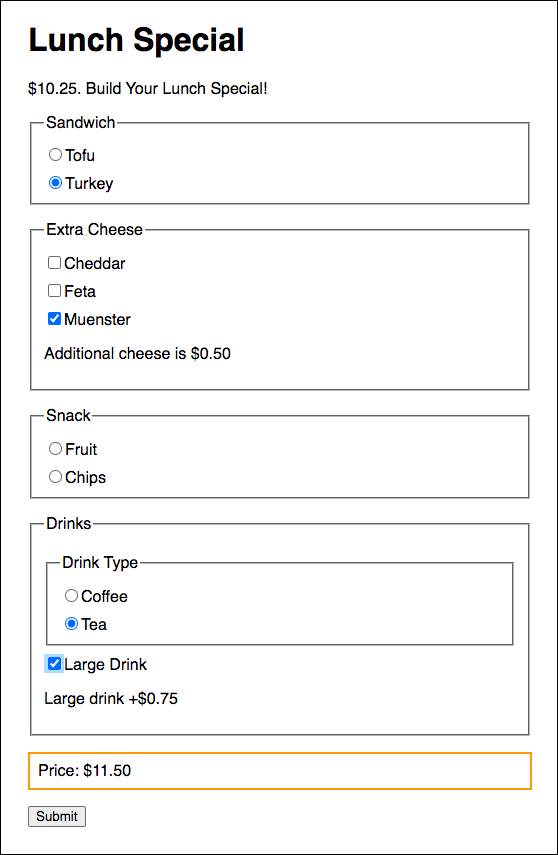
Form Price Calculation
Let's revisit the Dado Lunch Form, this time calculating a price!
Javascript Helping with Navigation
We can use JavaScript to make sure we have the right navigation for the page!
Web Navigation Systems
- Where am I?
- Where can I go?
- What is close by?
- What is further away?
- Where have I been?
Don't Make Me Think: Navigation
- it tells us what's here
- it tells us how to use the site
- it gives us confidence in the people who built it
Various Forms of Navigation
- global navigation
- site ("tab") navigation
- breadcrumb navigation
- clamshell navigation
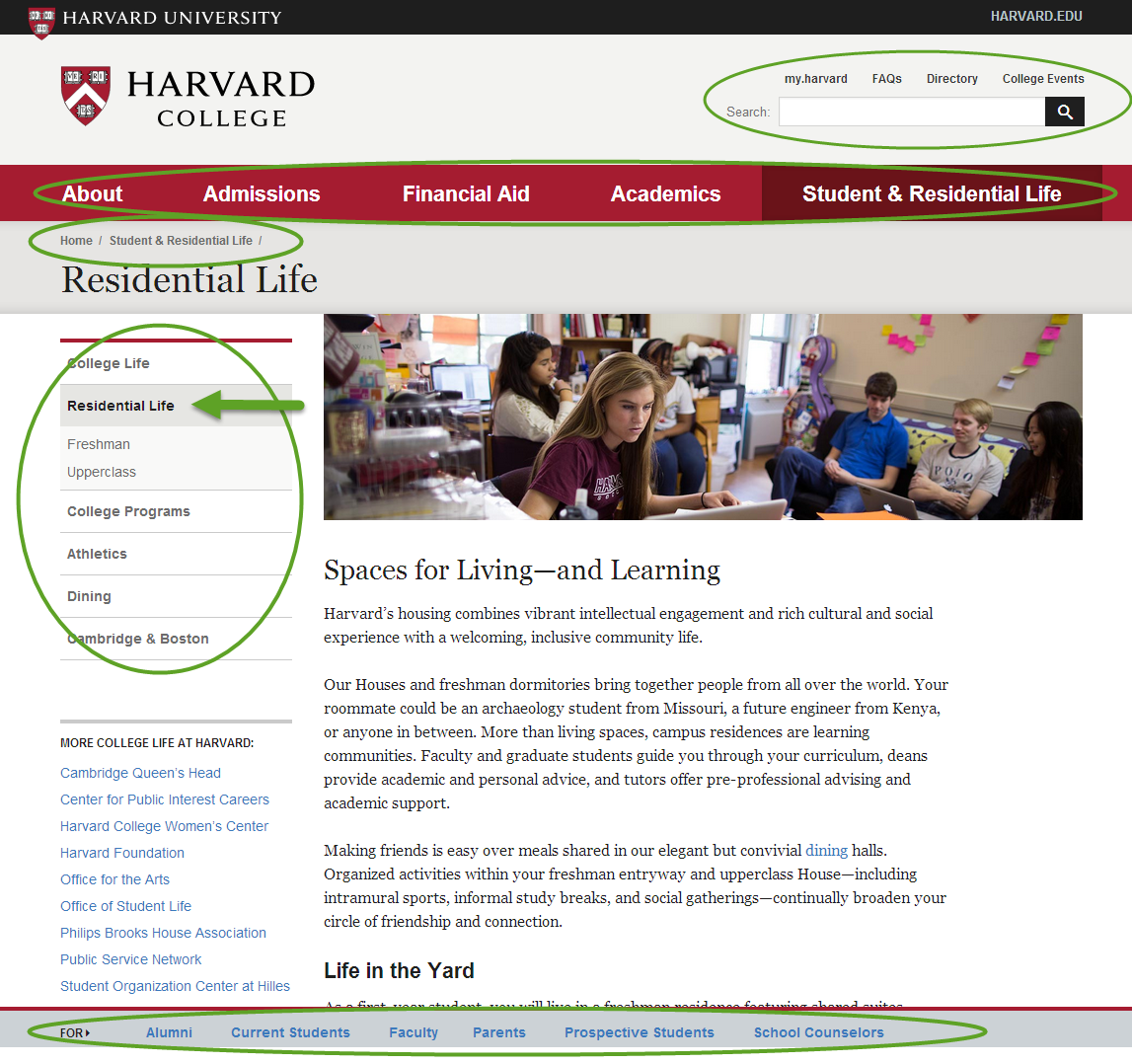
Navigation
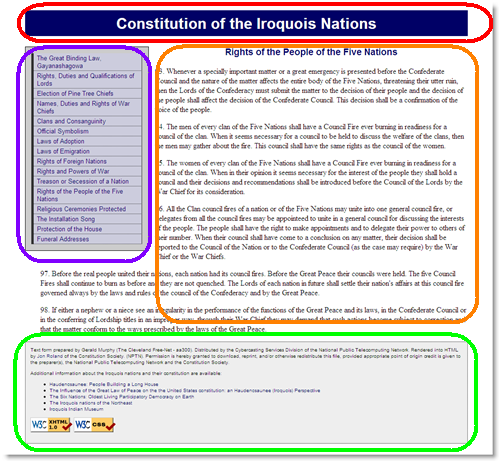
<html>
  <head>
    <title>The Great Binding Law, Gayanashagowa (Constitution of the Iroquois Nations)</title>
    <link rel="stylesheet"  href="style.css" />
  </head>
  <body id="part1">
    <?php include("inc/header.php"); ?>
    <?php include("inc/nav.php"); ?>
    <main>
      <?php include("inc/content1.php"); ?>
    </main>
    <?php include("inc/footer.php"); ?>
  </body>
</html>
"You are here" with CSS
"You are Here" CSS Example in JSFiddle
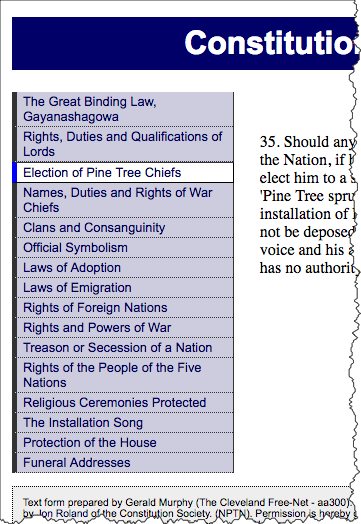
<nav id="navigation">
  <ul id="mainnav">
    <li id="navpart1"><a href="1.shtml">The Great Binding Law, Gayanashagowa</a></li>
    <li id="navpart2"><a href="2.shtml">Rights, Duties and Qualifications of Lords</a></li>
    <li id="iamhere"><a href="3.shtml">Election of Pine Tree Chiefs</a></li>
    <li id="navpart4"><a href="4.shtml">Names, Duties and Rights of War Chiefs</a></li>
    <li id="navpart5"><a href="5.shtml">Clans and Consanguinity</a></li>
    <li id="navpart6"><a href="6.shtml">Official Symbolism</a></li>
    <li id="navpart7"><a href="7.shtml">Laws of Adoption</a></li>
    <li id="navpart8"><a href="8.shtml">Laws of Emigration</a></li>
    <li id="navpart9"><a href="9.shtml">Rights of Foreign Nations</a></li>
    <li id="navpart10"><a href="10.shtml">Rights and Powers of War</a></li>
    <li id="navpart11"><a href="11.shtml">Treason or Secession of a Nation</a></li>
    <li id="navpart12"><a href="12.shtml">Rights of the People of the Five Nations</a></li>
    <li id="navpart13"><a href="13.shtml">Religious Ceremonies Protected</a></li>
    <li id="navpart14"><a href="14.shtml">The Installation Song</a></li>
    <li id="navpart15"><a href="15.shtml">Protection of the House</a></li>
    <li id="navpart16"><a href="16.shtml">Funeral Addresses</a></li>
  </ul>
</nav>
And the CSS:
#navigation a {
  /* Rules for navigation items */
}
#navigation a:hover {
  /* Rules for navigation items */
}

/* Rules specific for "you are here" */
#navigation #iamhere a,
#navigation #iamhere a:hover {
  /* Rules for the "you are here" item */
}
"You are here" with JavaScript
View this technique in action.
Example in JSFiddle
- Each
bodyis uniquely identified (id) - Each navigation list item gets an
id - CSS rule for
id="iamhere" - JavaScript to set the "iamhere"
id
Note the id of the body:
<html>
<head>
    <title>Election of Pine Tree Chiefs (Constitution of the Iroquois Nations)</title>
    <link rel="stylesheet"  href="style.css" />
  </head>
  <body id="part3">
    <?php include("inc/header.php"); ?>
    <?php include("inc/nav.php"); ?>
    <main>
      <?php include("inc/content3.php"); ?>
    <main>
    <?php include("inc/footer.php"); ?>
  </body>
</html>
Each navigation item has an id:
<nav id="navigation">
  <ul id="mainnav">
    <li id="navpart1"><a href="1.shtml">The Great Binding Law, Gayanashagowa</a></li>
    <li id="navpart2"><a href="2.shtml">Rights, Duties and Qualifications of Lords</a></li>
    <li id="navpart3"><a href="3.shtml">Election of Pine Tree Chiefs</a></li>
    <li id="navpart4"><a href="4.shtml">Names, Duties and Rights of War Chiefs</a></li>
    <li id="navpart5"><a href="5.shtml">Clans and Consanguinity</a></li>
    <li id="navpart6"><a href="6.shtml">Official Symbolism</a></li>
    <li id="navpart7"><a href="7.shtml">Laws of Adoption</a></li>
    <li id="navpart8"><a href="8.shtml">Laws of Emigration</a></li>
    <li id="navpart9"><a href="9.shtml">Rights of Foreign Nations</a></li>
    <li id="navpart10"><a href="10.shtml">Rights and Powers of War</a></li>
    <li id="navpart11"><a href="11.shtml">Treason or Secession of a Nation</a></li>
    <li id="navpart12"><a href="12.shtml">Rights of the People of the Five Nations</a></li>
    <li id="navpart13"><a href="13.shtml">Religious Ceremonies Protected</a></li>
    <li id="navpart14"><a href="14.shtml">The Installation Song</a></li>
    <li id="navpart15"><a href="15.shtml">Protection of the House</a></li>
    <li id="navpart16"><a href="16.shtml">Funeral Addresses</a></li>
  </ul>
</nav>
And the CSS:
#navigation a {
      /* Rules for navigation items */
    }
    #navigation a:hover {
      /* Rules for navigation items */
    }

    /* Rules specific for "you are here" */
    #navigation #iamhere a,
    #navigation #iamhere a:hover {
      /* Rules for the "you are here" item */
    }
And the JavaScript (using jQuery) that finds the correct navigation item and sets
the id attribute value to "iamhere":
$(document).ready(function(){
      var mybodyid = $('body').attr('id');
      var mynavid = '#nav' + mybodyid;
      /* e.g. for 3.shtml:
          mybodyid is 'part3'
          mynavid  is '#navpart3'
       */
      $(mynavid).attr('id','iamhere');
    });
Pages from Parts and Clamshell Navigation
Here we take advantage of CSS selectors in JQuery, along with "parents" and "children" and "show" and "hide" methods.
- Set "iamhere" id
- Close all nested lists
- Show parents of "iamhere"
- Show children of "iamhere"
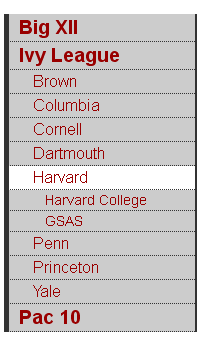
$(document).ready(function(){
      console.log("Ready!");
      var mybodyid = $('body').attr('id');
      var mynavid = '#nav_' + mybodyid;
      console.log("mybodyid is " + mybodyid);
      console.log("mynavid is " + mynavid);

      // Set iamhere id
      $(mynavid).attr('id','iamhere');

      // hide all nested lists
      $('#navigation ul ul').hide();

      // show parents of "iamhere"
      $('#iamhere').parents().show();

      // show children of "iamhere"
      $('#iamhere').children().show();
});
JSFiddle Example
Note for the JSFiddle example, we are using a 'div' to contain the 'id' instead of the 'body'.
Clamshell Navigation in JS Fiddle
Files
- clamshell.html
And see it more slowly in steps, triggered by a button click: clamshell-2.html - style-clamshell.css
Elements of User Experience - Skeleton
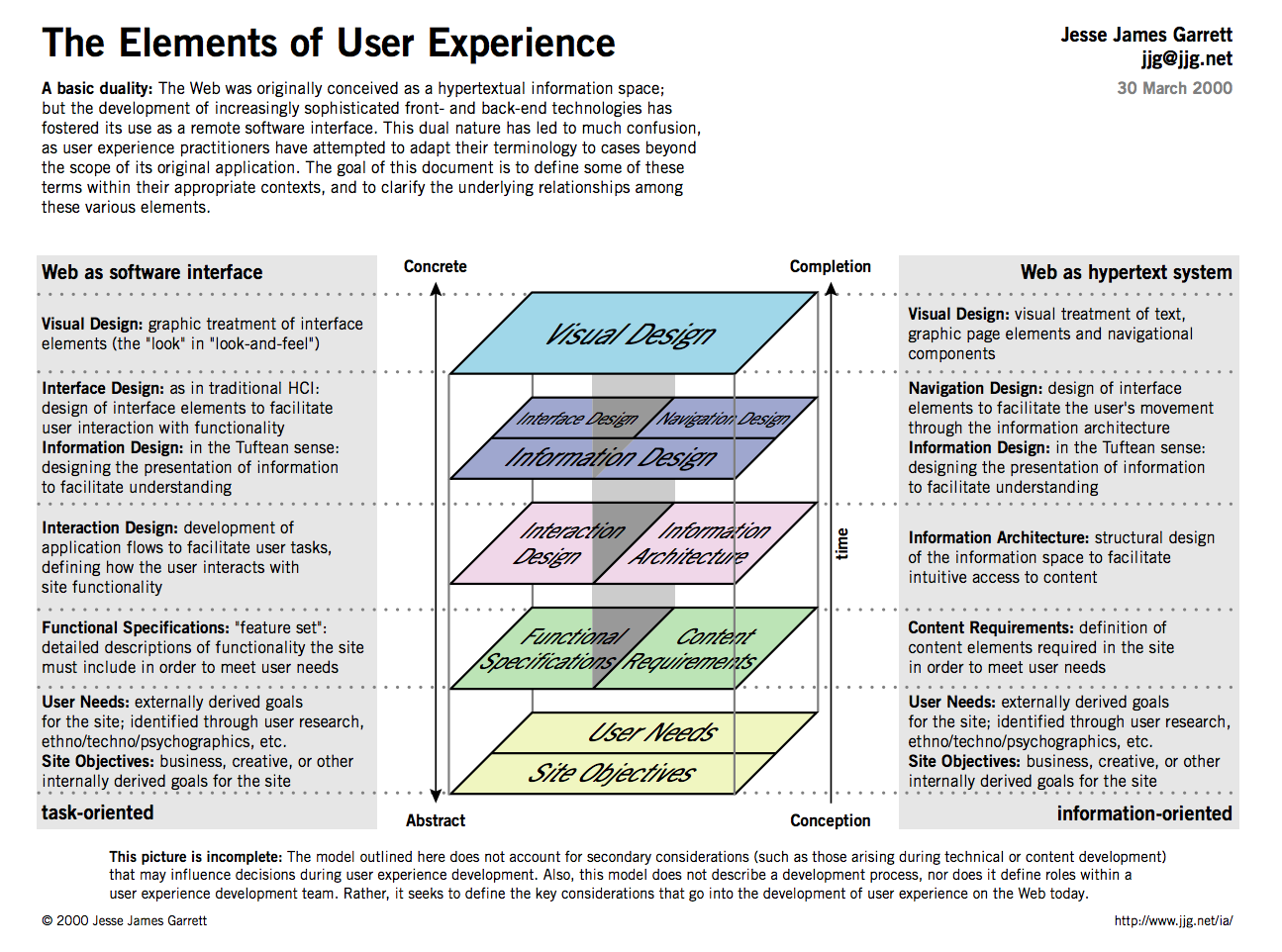
- The Elements of User Experience: User-Centered Design for the Web
- Simple Planes Poster, and the OG Elements of User Experience Poster
Final Project - Skeleton
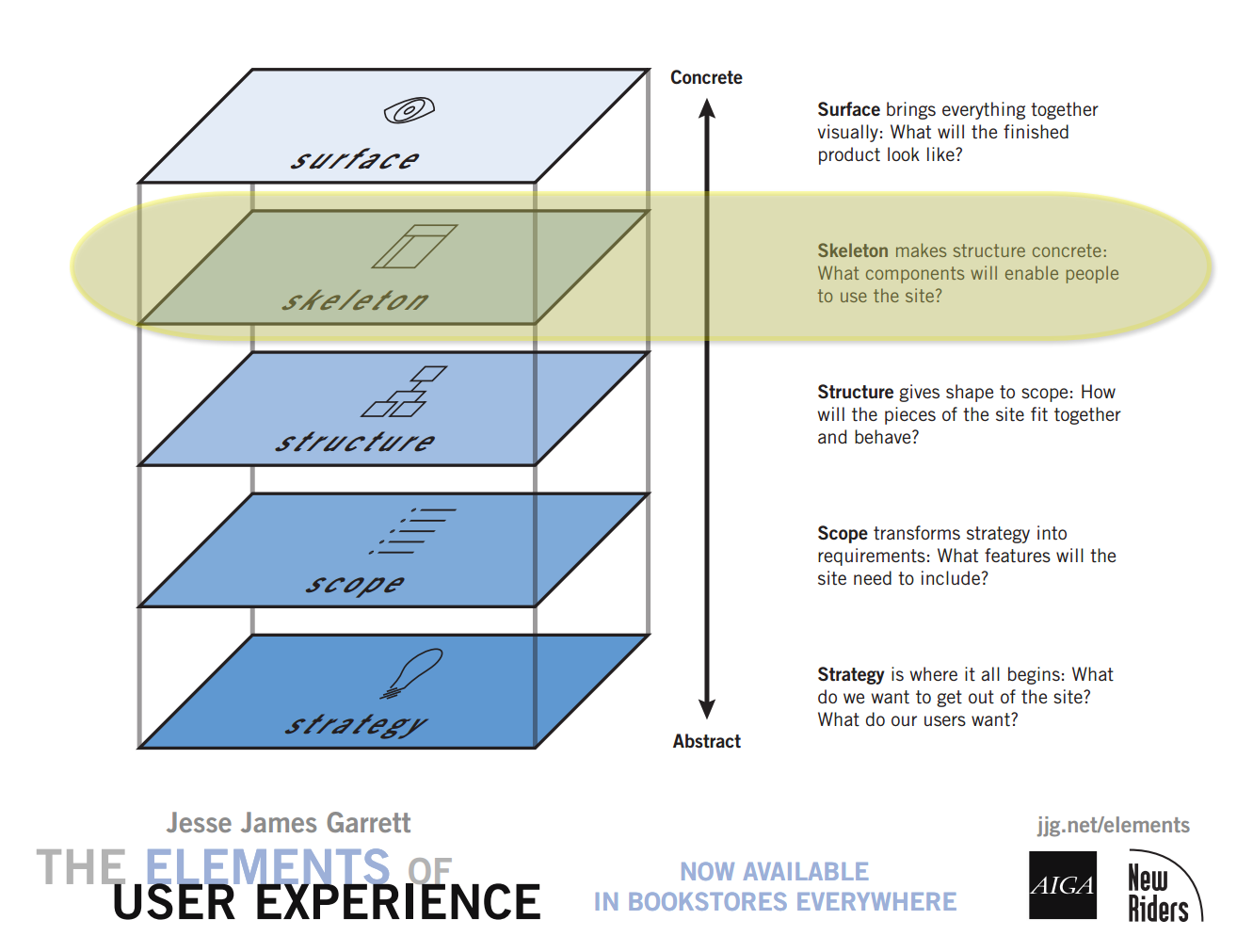
Page Components
- Header
- Navigation
- Content
- Plan out content skeleton
- Footer
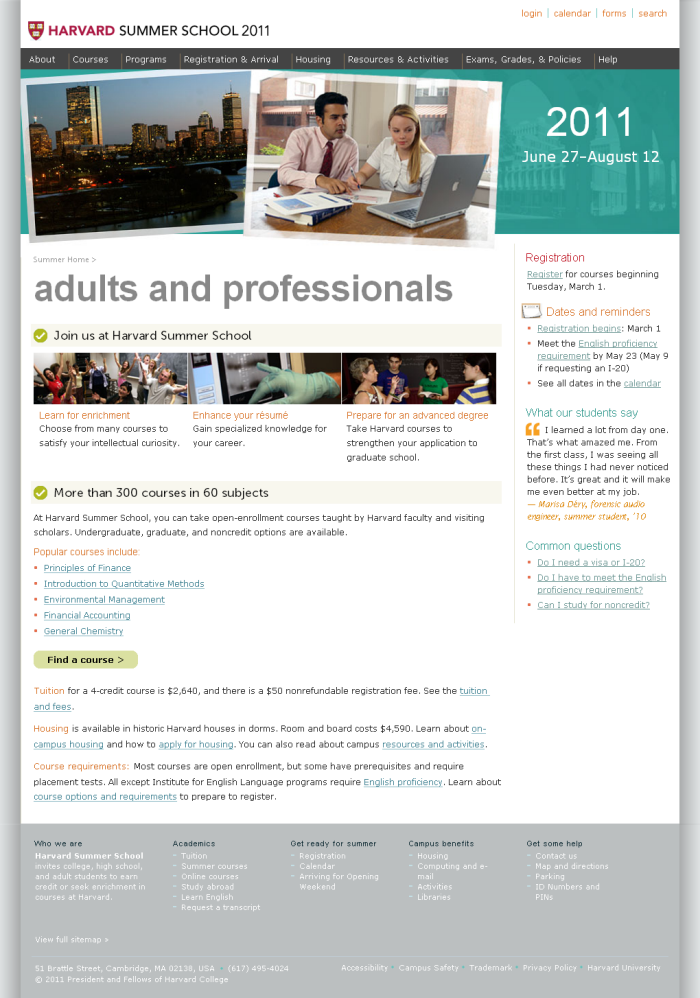
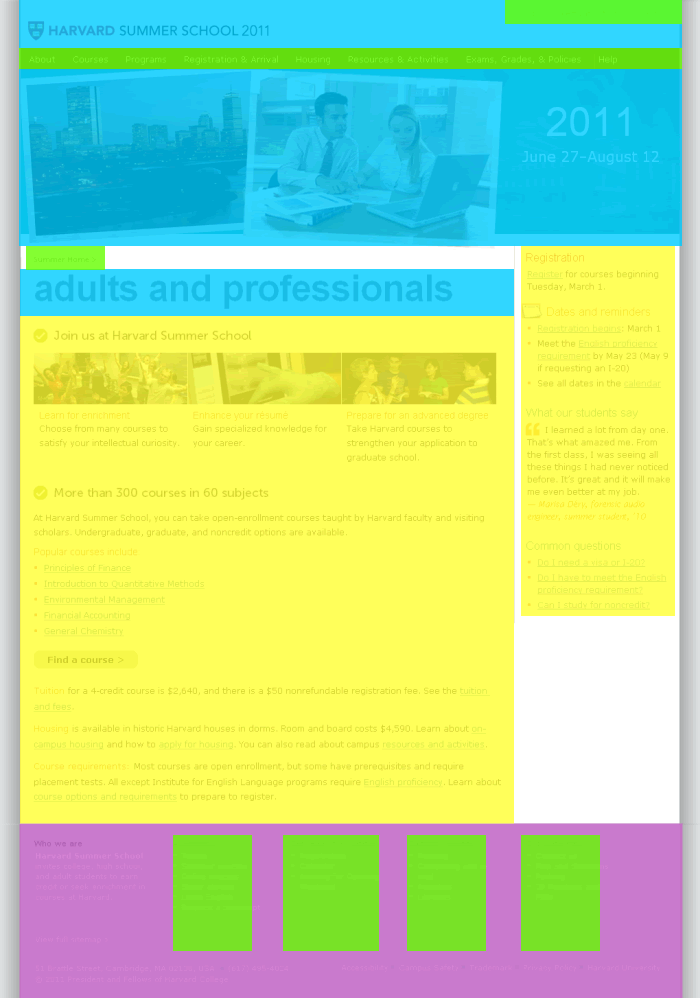
Wireframes and Sketches - "Low" to "High" Fidelity
Tools to consider:
Sketches
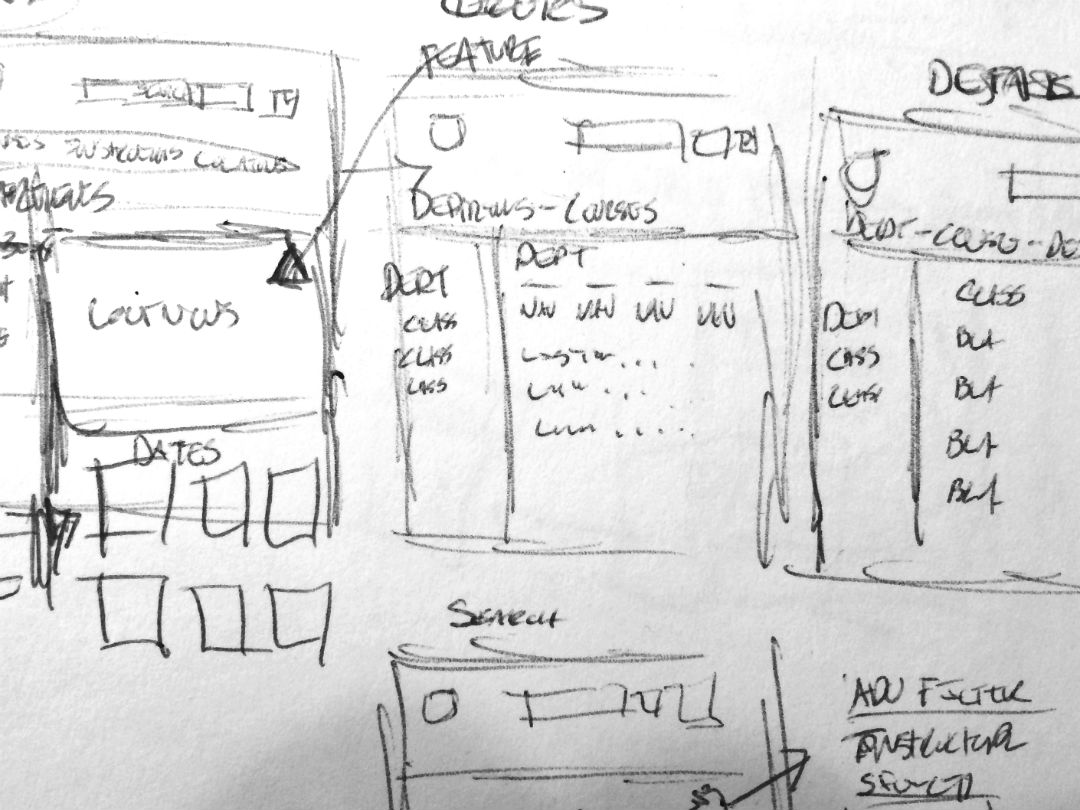
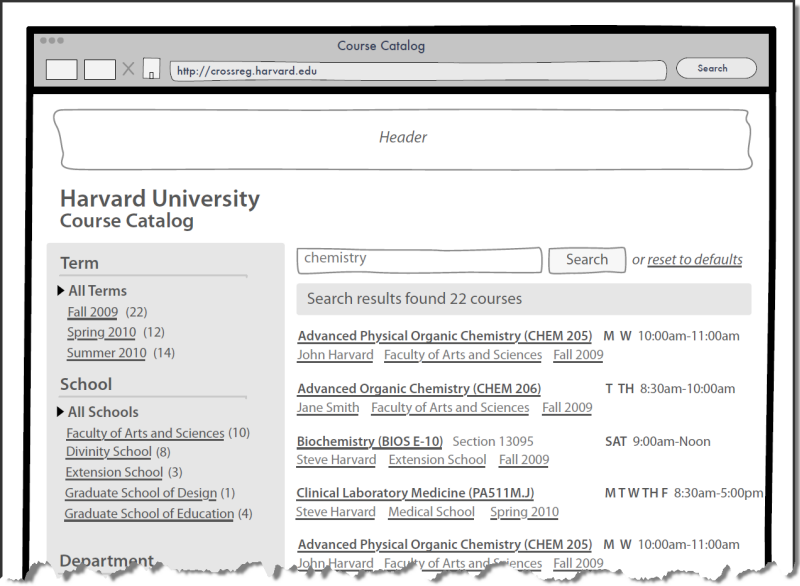
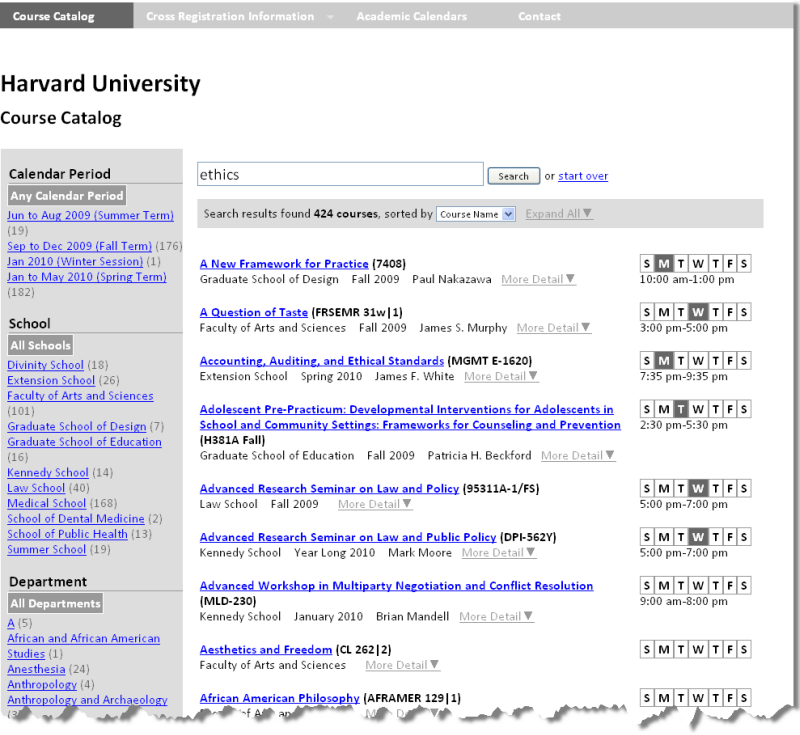
Wireframes - examples from class
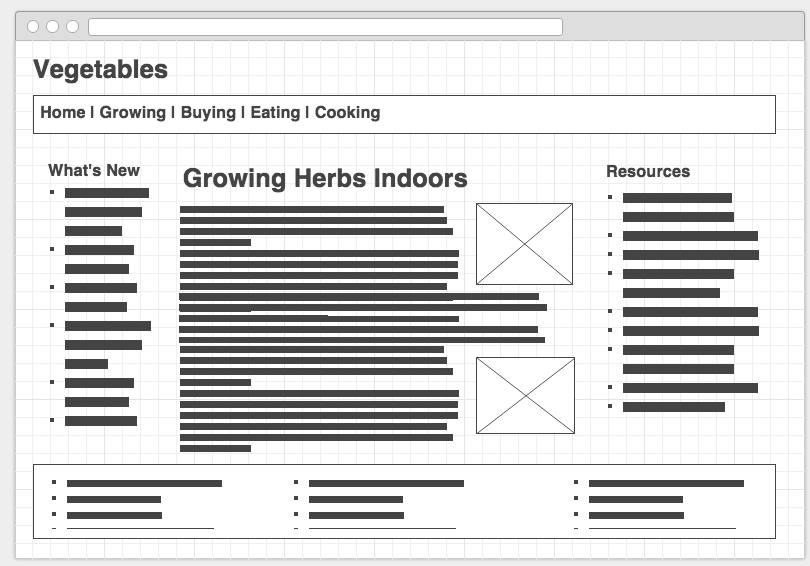
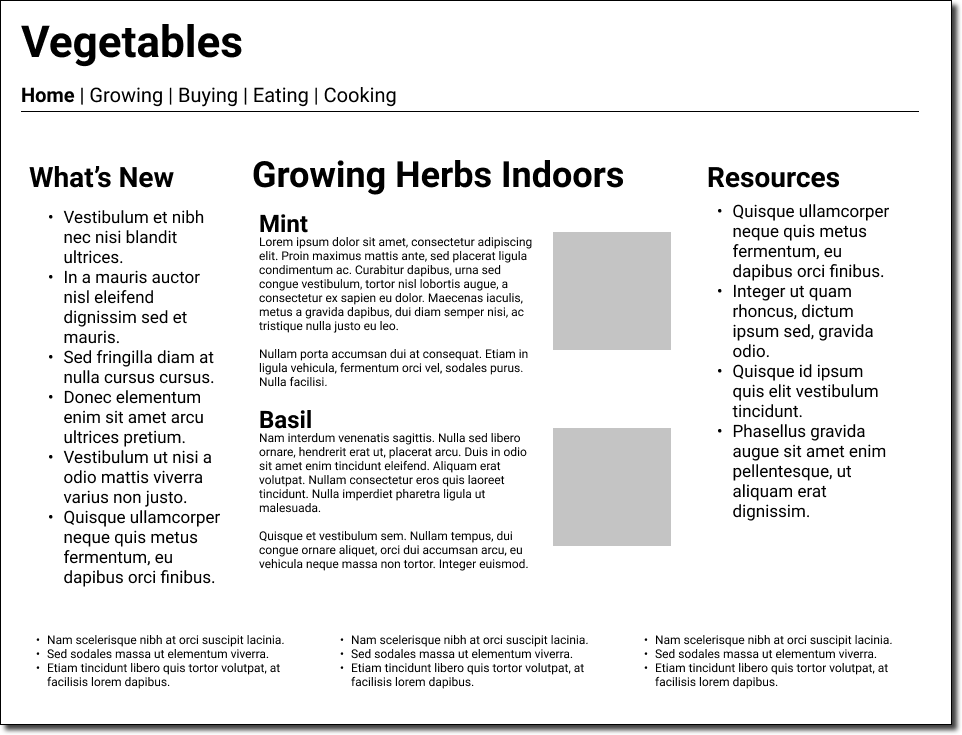
Wireframes - Drawing and prototype
Version Control
Some basics
- Version Control System (VCS) or Source Control Management (SCM)
- What changed?
- When?
- Who?
- Why?
- Git and GitHub
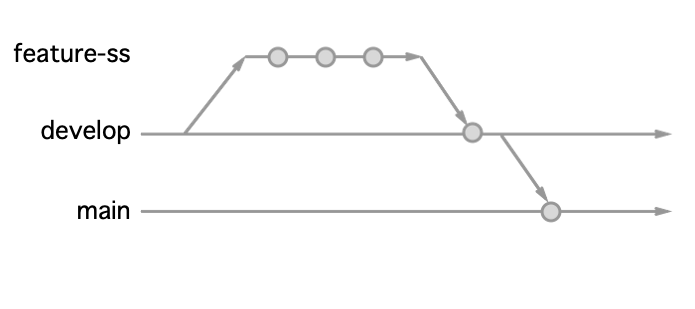
Experiment Fearlessly with Branches
Start Using Git
- Github Guides, including Hello World
- Github Desktop
Version Control or Source Control Management (SCM)
Web Content Management Systems
Web CMS, WCMS, or just CMS
The many aspects of "content management"
- Add and Edit Content
- Workflow
- Versioning
- Diversity of content (HTML, images, PDF, etc.)
Open Source WCMS
Typical features:
- Browser-based editing
- Content and media management
- Menu and Navigation management
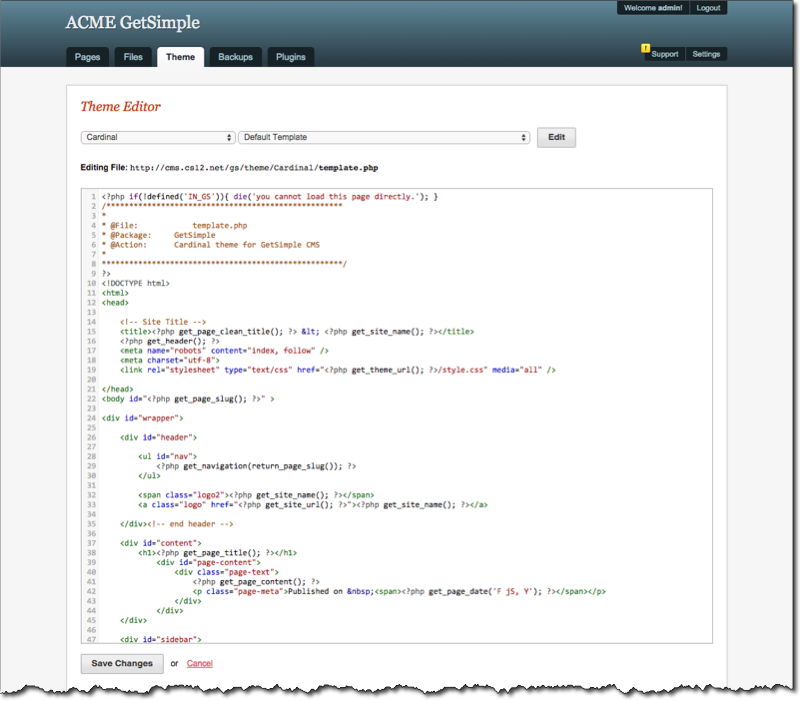
- Themes, Templates, or Skins
- User management
- Role-based permission model
- Multiple languages
- Search
- Syndication (RSS, Atom)
- Polls
- Blogs, threaded comments, discussion forums
- Functionality extended through modules/extensions that are optionally installed
Open Source WCMS
- WordPress
- Drupal
- Joomla
- GetSimple
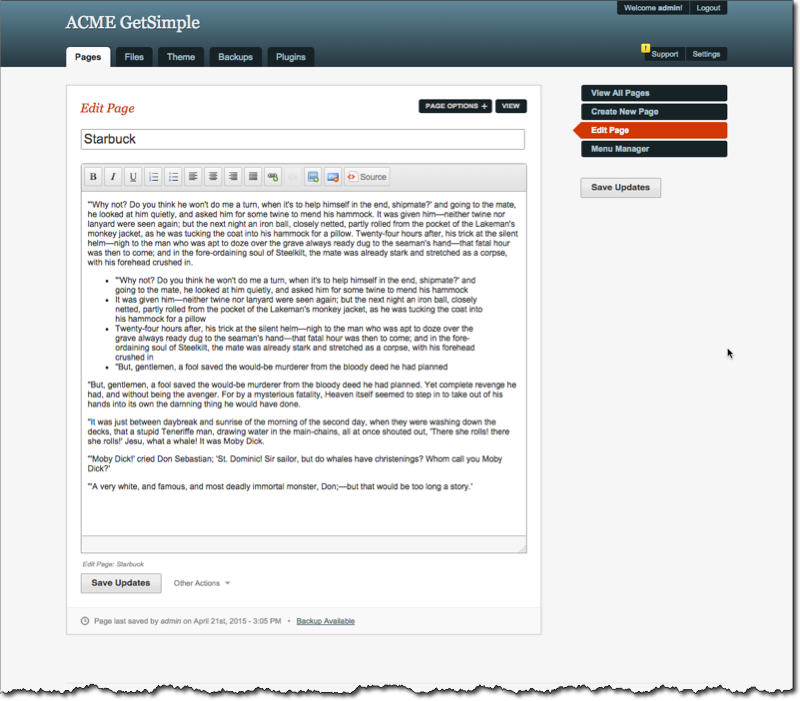
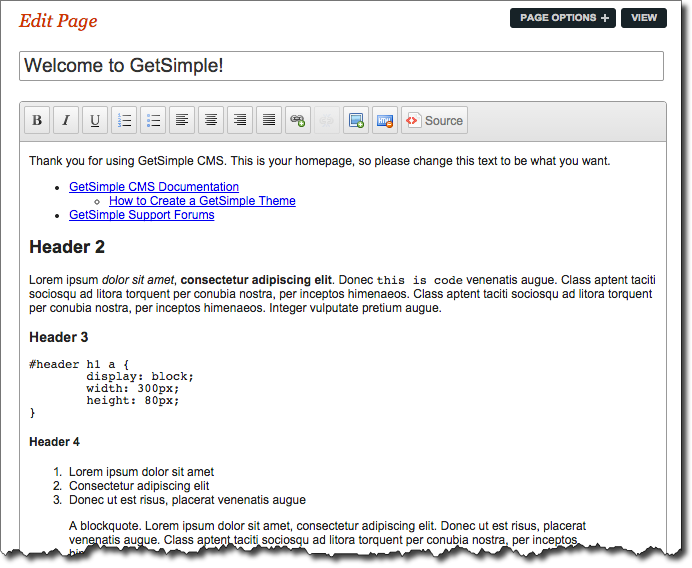
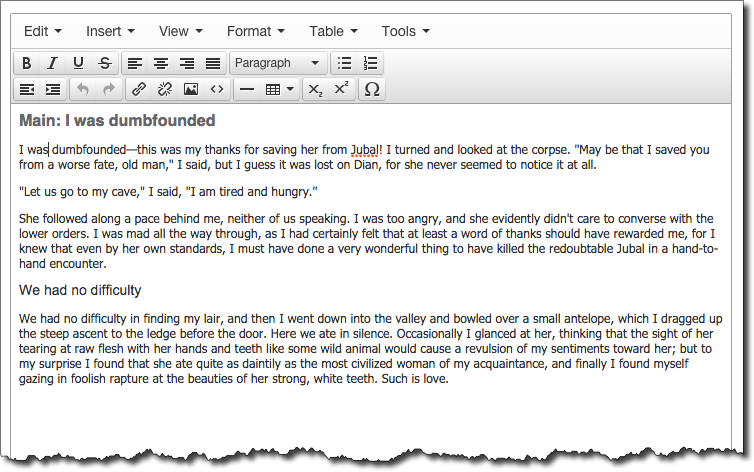
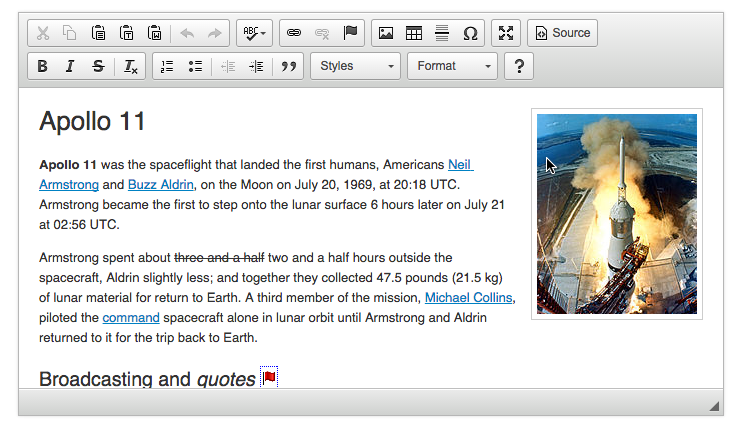
Browser Based WYSIWYG Editors
JavaScript-powered WYSIWYG editors
Where to start?
- GetSimple
- Wordpress
- Joomla
- Drupal
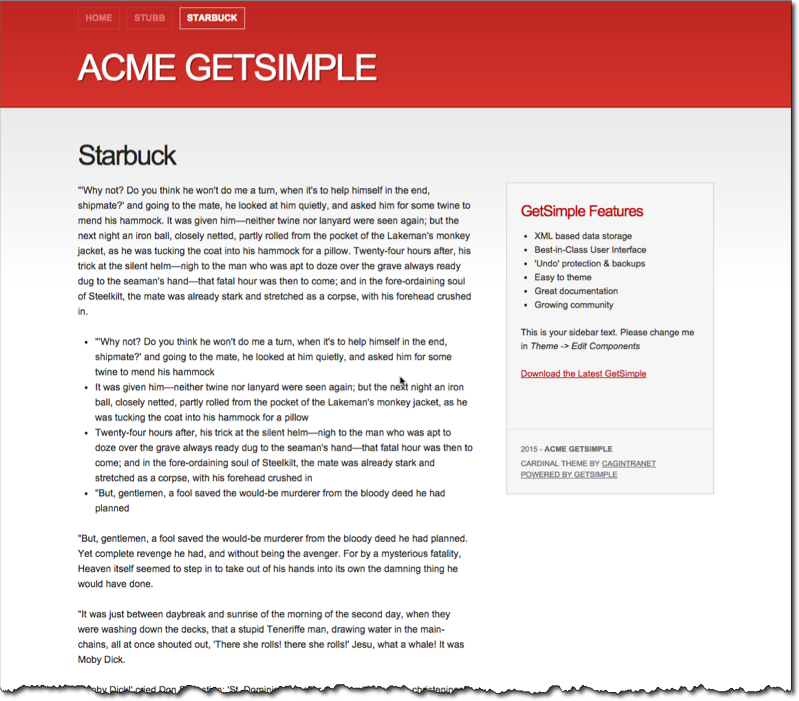
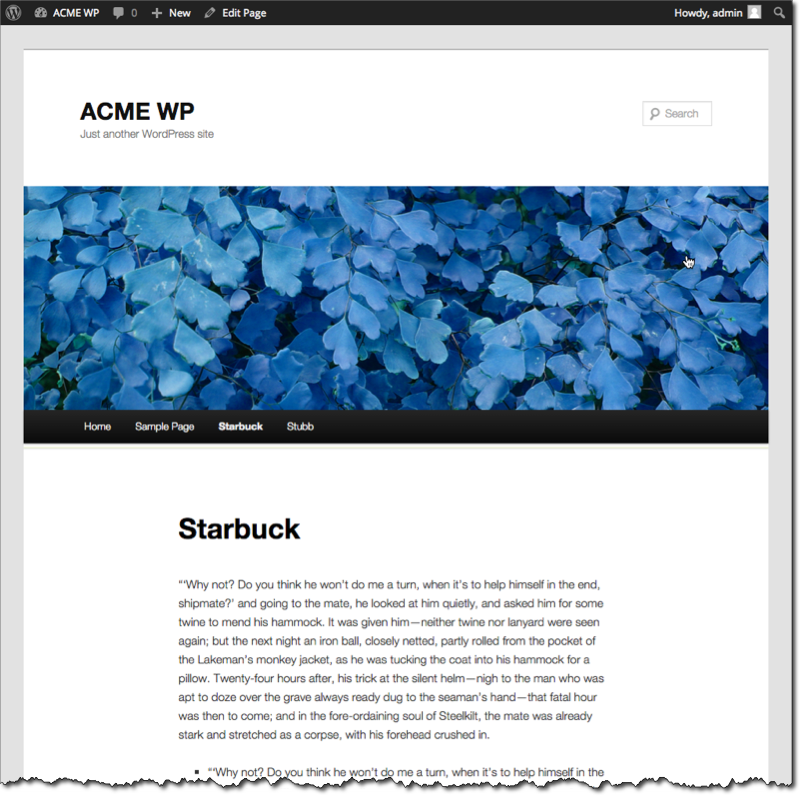
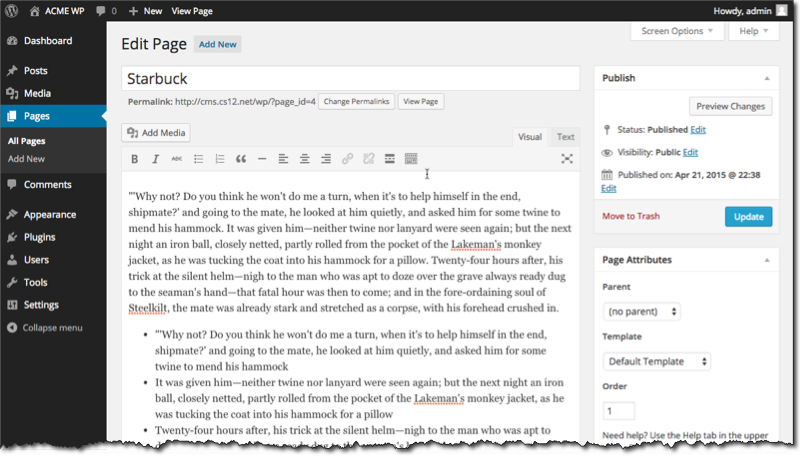
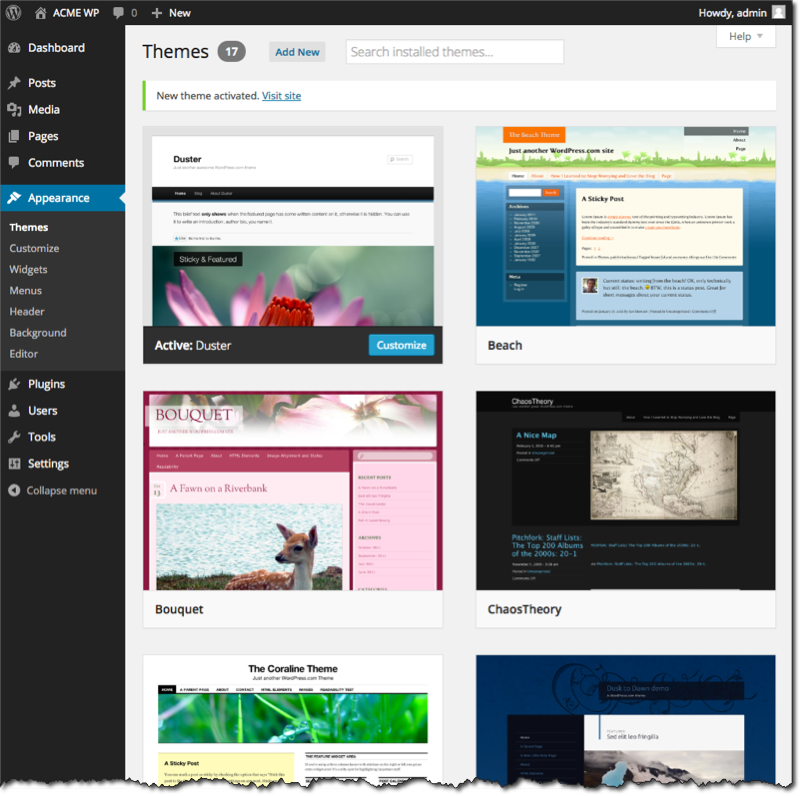
WordPress Example
GetSimple Example and Demo